

If you’re trying to pick between an ebook reader and a tablet for your reading setup, you’re not alone. Both options have their niche strengths and some practical drawbacks, and choosing one really depends on what you plan to read, where, and how you prefer to interact with your books. I’ll break down the main differences and help point out what matters most, especially if you’re new to digital reading.

Defining Ebook Readers vs Tablets
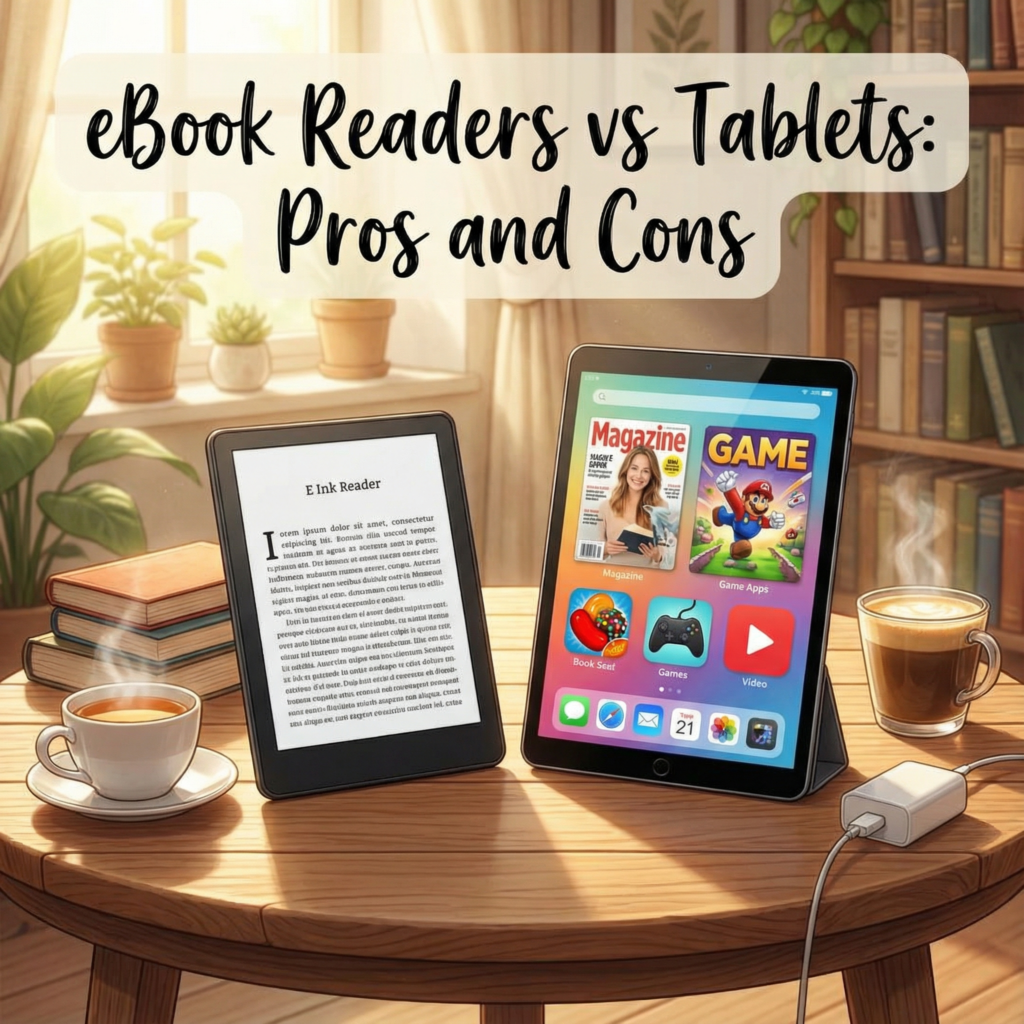
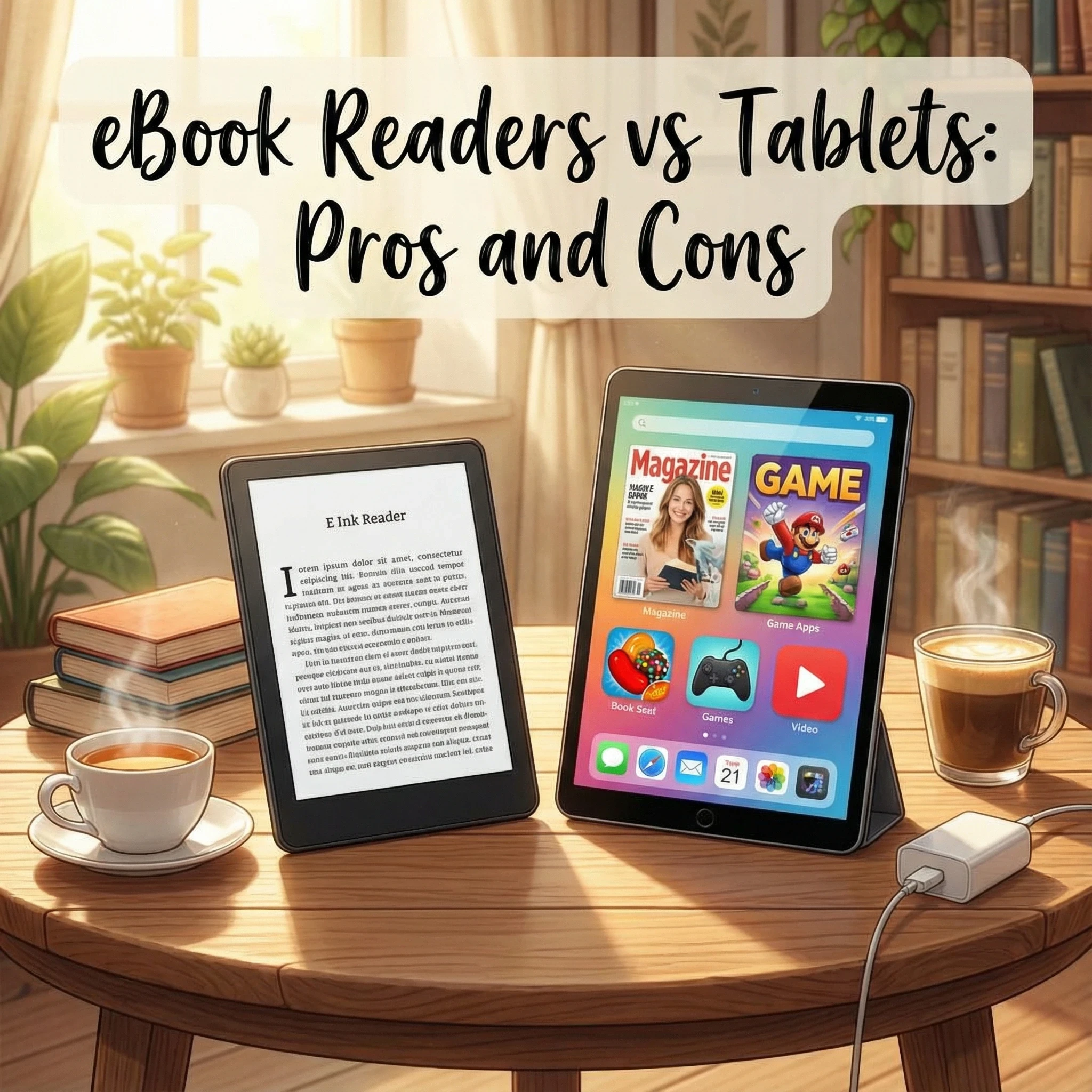
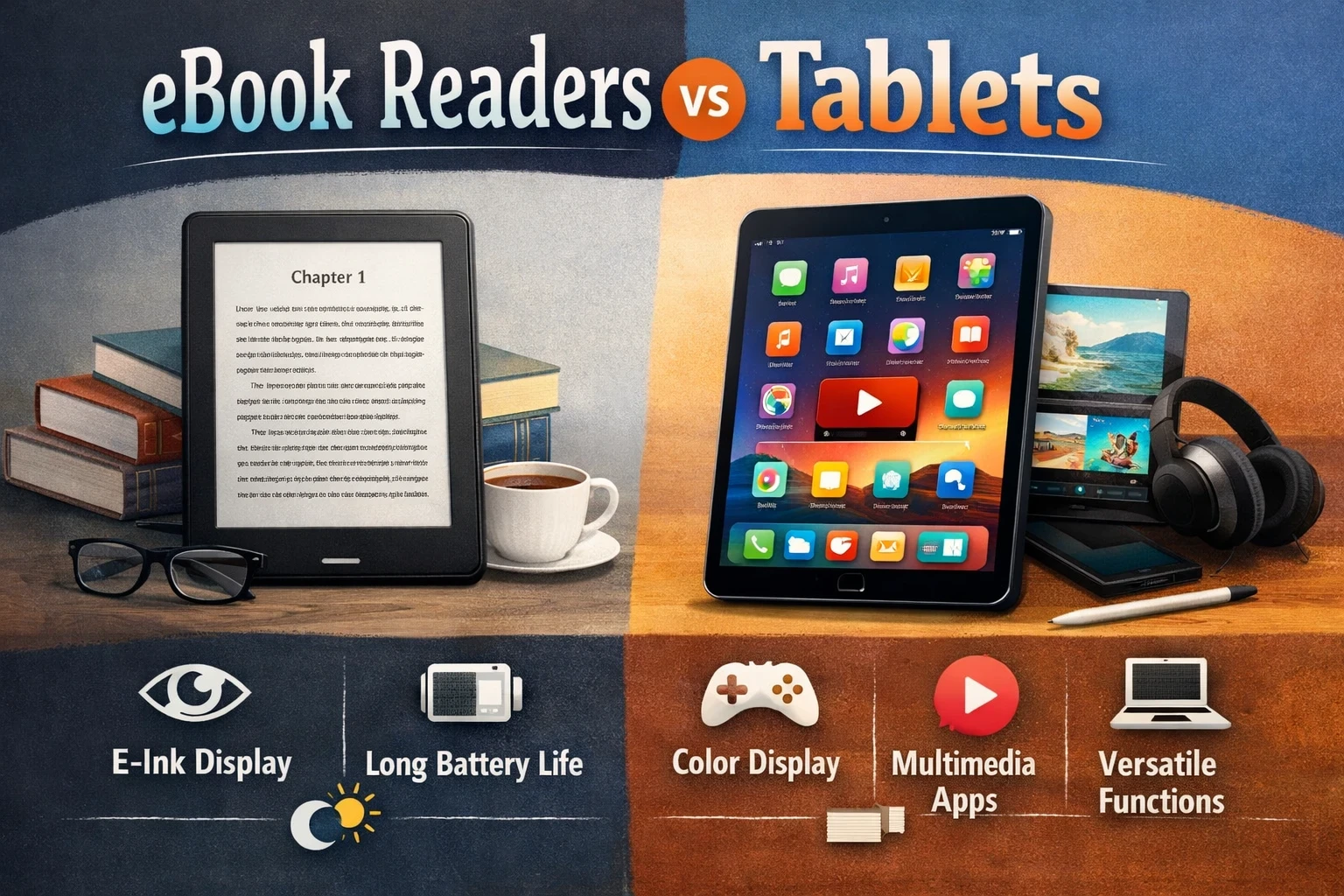
Here’s where things start: dedicated eReaders use E Ink screens and are specialised for reading, while tablets feature LCD or OLED displays meant for pretty much everything—streaming, gaming, web browsing, and, of course, reading too.
- Dedicated eReaders: These include devices like the Amazon Kindle Paperwhite, Kindle Oasis, and Kobo Clara 2E. They have E Ink screens that mimic paper, offer super long battery life, and are usually lightweight with front lighting for night reading.
- Tablets: Common picks are devices like the Apple iPad, Samsung Galaxy Tab, and Amazon Fire HD tablets. These use colour touchscreens, work with tons of apps, and support video, games, drawing, and more alongside ebook reading.
If you want a device meant only for books, an eReader makes sense. If you want a gadget that can do a bit of everything, including reading, then a tablet is worth considering.
Reading Comfort, Battery Life, and Portability
The main things to think about are how the screen feels on your eyes, how often you’ll be charging your device, and how easy it is to toss in your bag.
- Eye comfort: E Ink screens are designed to be gentle and paperlike, which means there’s almost no glare even in sunlight, and they rarely cause eye fatigue in long sessions. Tablet screens are backlit and can get pretty bright, which is nice for comics and colour books, but can be a bit tiring for the eyes during hours of reading.
- Battery life: eReaders are the champs here. Many can last weeks on a single charge, since E Ink only uses juice when you turn a page. Tablets need charging every day or a couple of days, especially if you use them for video or gaming on top of reading.
- Portability: Most eReaders are slim and lighter than a standard paperback. Tablets are getting sleeker, but they’re usually heavier and bulkier, especially if you pick a larger screen.

Which is Best for Different Reading Situations?
Not all reading is the same, so matching the gadget to your style helps save frustration (and money).
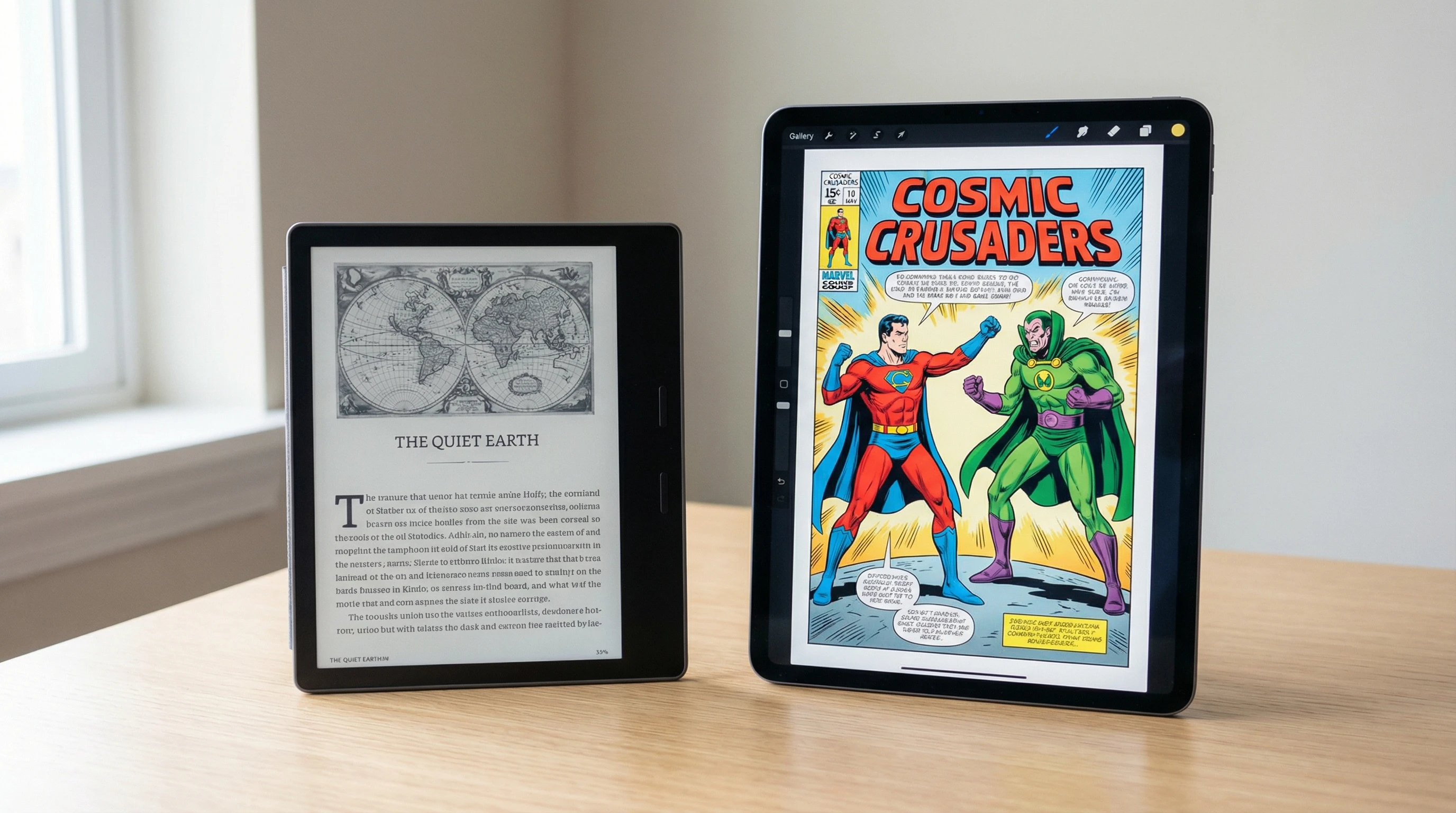
- Novels and long-form books: eReaders really shine for fiction and most nonfiction, especially for hours of reading at a time. The screen is easier on the eyes, and you don’t get notifications or app distractions.
- PDFs and textbooks: Tablets are usually a better fit, mainly because many eReaders struggle with large PDFs and textbooks; formatting often breaks, or text is too tiny on small screens. Tablets let you pinch, zoom, and scroll, making them friendlier for complex layouts and study material.
- Comics and magazines: Colour screens win here. Tablets let you view vivid colours and swipe through comics naturally. Graphic novels and most illustrated content look far better.
- Note-takingtheNote-takingNote-taking
- Kids’ use: A basic Kindle works for younger kids who want to read without distractions, while tablets offer parental controls, games, and educational apps that might make them more versatile but also more distracting.
- Travel and outdoor reading: eReaders are tougher to beat for poolside or beach reading; no glare, less concern about drops, and the battery won’t quit halfway through a vacation. Tablets work, but you’ll struggle more in direct sun.
- Reading at night: Both device types have front or back lights now. eReaders with adjustable front lighting are less harsh in a dark room.
File Formats, Apps, and Ecosystem Stuff
I always take a quick look at what books I want to access and how I want to get them. Here’s what matters most on the software side:
- Bookstores and apps: Kindle eReaders are mainly locked into the Amazon Kindle Store, while Kobo supports Kobo’s own shop plus EPUBs. Tablets can run multiple reading apps: Kindle, Kobo, Google Play Books, Apple Books, Libby, and loads more, so you’re not locked into just one store.
- Library borrowing: eReaders like Kindle (in regions where it’s supported) and nearly all Kobos work with OverDrive and Libby for free ebooks from your local library. Tablets also run the Libby app, with more flexibility but a slightly less booklike feel.
- File formats & DRM: eReaders can be picky with file types (Kindle: MOBI/AZW3, Kobo: EPUB/PDF). Tablets are a bit universal; they can handle pretty much all formats through apps. DRM (digital rights management) can cause headaches if you try to move books between platforms.
- Syncing and cross-device reading: If you want to pick up a book on your phone where you left off on your tablet or eReader, apps like Kindle and Kobo do a solid job syncing progress across devices.
Common Mistakes and Things to Watch Out For
- Getting a tablet “just for reading”: It’s pretty common to aim for a tablet to have a good reading setup, but then end up browsing, gaming, or checking email. That’s a distraction that can cut into your reading time.
- Choosing an eReader for heavy PDF use: Unless the eReader is on the big side (like the Kobo Elipsa or Kindle Scribe), PDFs are a pain to navigate on small, slow E Ink screens.
- Ignoring screen size: Standard eReaders are around 6-7 inches, which is great for novels but not for double-page textbooks or comics. Tablets offer more variety, but bigger tablets are less portable.
- Skipping storage needs: Most eBooks are tiny, but if you want to keep lots of comics, magazines, or audiobooks, make sure to check storage specs; running out of space is annoying if you travel a lot.
- Underestimating lighting options: Make sure the device can adjust colour temperature or brightness if you plan to read at night or in different settings.
Battery Life
eReaders run on minimal power; sometimes weeks on a charge, because E Ink doesn’t need energy while you’re just staring at a page. Tablets drain way faster, especially with lots of screen time or multitasking, so keeping a charger handy is a good plan if you read a lot.
Screen and Eye Strain
E Ink’s not just hype; it actually is easier for long sessions. LCDs and OLEDs can cause fatigue and headaches for some people over time, especially with white backgrounds and lots of blue light at night. Night mode or dark themes can help, but there’s still a difference you’ll notice after a few chapters.
Storage and Library Management
For basic novels and nonfiction books, nearly any eReader or tablet will have more than enough room. If you’re downloading tons of comics, magazines, or full-cast audiobooks, check if the model has expandable storage or plan to keep some books in the cloud.
Real-World Scenarios and Use Cases
- Outdoor reading: I always pick my Kobo for outdoor or vacation reading. It survives pool splashes and the text stays crisp with zero glare, even in harsh sun.
- College and study: Most study PDFs look tiny or awkward on a 6-inch eReader. My iPad is my go-to for annotating lecture notes or reading journal articles.
- Reading late at night: The Paperwhite’s warm front light saves my partner’s sleep, whereas my tablet’s backlight sometimes feels a bit harsh in a dark room unless I dial the brightness way down.
- Family usage: My younger cousin sticks to the Kindle Kids (no ads, no apps), but his sister uses an old iPad for books, drawing, and educational videos. Totally different needs, but each works well for their style.

Frequently Asked Questions
What is the difference between an eReader and a tablet for reading ebooks?
Both let you read digital books, but eReaders focus only on reading and use E Ink screens, making them easier on the eyes, while tablets use colour screens and apps for all kinds of multitasking.
Are eReaders better for your eyes than tablets?
Most people find eReaders easier on their eyes because E Ink screens avoid glare and don’t flicker. Tablets can tire your eyes after long sessions, especially without using night mode or blue light filters.
Can you read PDFs well on an eReader?
Some eReaders struggle with PDFs, especially if the file has complex layouts or images. Large-screen eReaders handle them a bit better, but tablets are usually the better pick for serious PDF reading.
Which is better for Kindle books, a Kindle device or the Kindle app on a tablet?
The Kindle device gives a more focused reading session and syncs with your Kindle account, but the app brings more versatility and colour. Plus, it runs on almost anything, like phones or tablets.
Do eReaders support audiobooks as tablets do?
Some eReaders (like the recent Kindles) support Audible audiobooks through Bluetooth, but tablets can play almost any audio format or app, offering more options.
What screen size is best for reading ebooks and PDFs?
For novels, 6-7 inches works well. For PDFs, comics, or textbooks, bigger screens (10+ inches), usually found on tablets, make a huge difference.
Are tablets too distracting for reading?
Tablets have lots of apps and notifications, so distractions are hard to avoid. eReaders keep things simple and focused on just the book.
Do you need colour for ebooks, or is black and white fine?
For novels or most nonfiction, black and white is totally fine. If you like graphic novels, children’s books, or magazines, colour makes a big difference.
Final Thoughts: Picking What’s Right For You
Choosing between an eReader and a tablet is more about how and what you like to read. eReaders are a solid pick for folks who just want to read for hours, travel a lot, or need less eye strain. Tablets suit anyone who wants flexibility, colour, and plenty of apps. Either way, knowing your reading habits and a bit about the tech helps you make a call that keeps reading fun wherever you go.