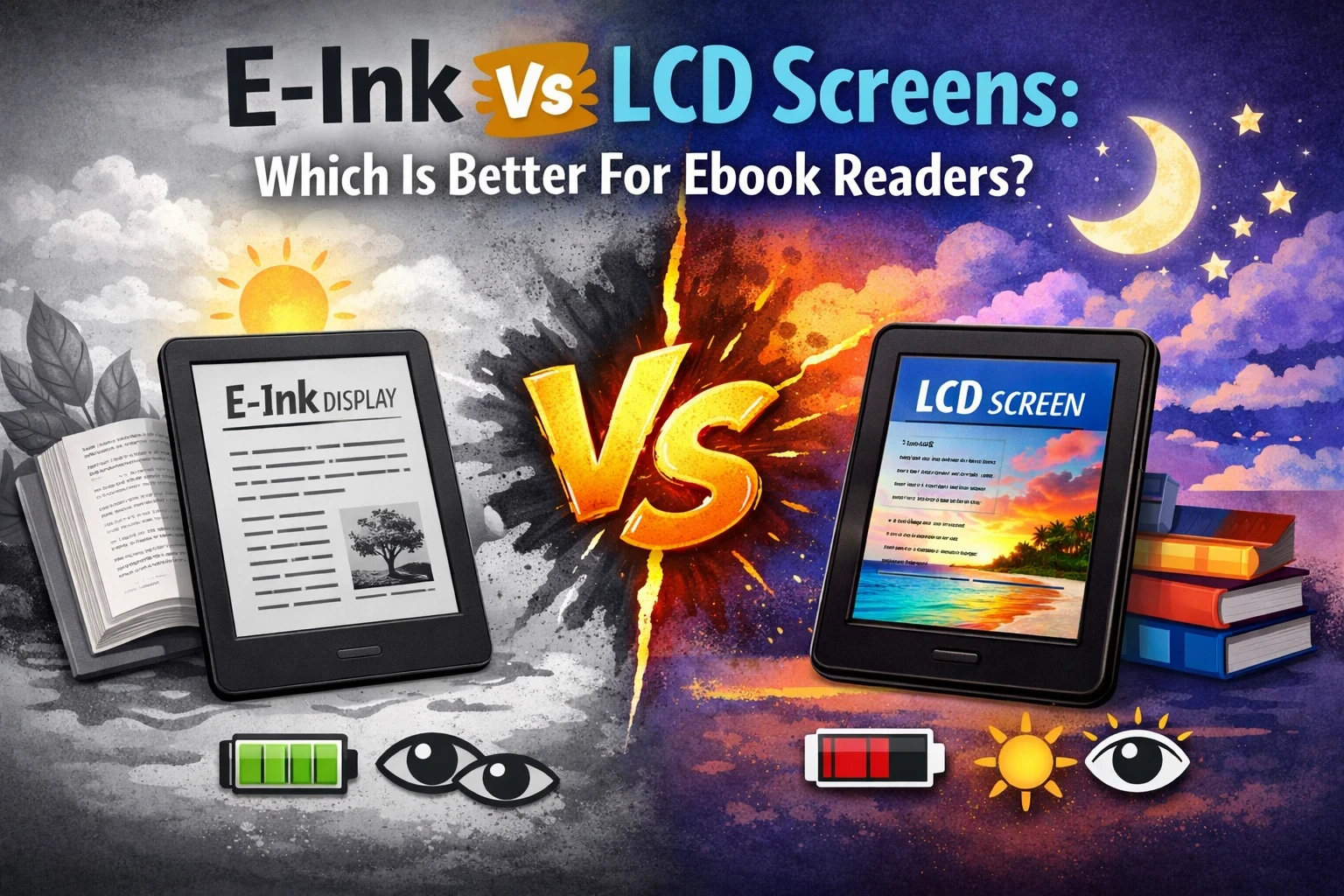
When shopping for an e-book reader, the screen type is one of the most important factors.
When shopping for an e-book reader, the screen type is one of the most important factors to consider. E-Ink and LCD have totally different looks and feels, and they definitely impact your reading experience in unique ways. If you want to know which one might be better for you, I’ll break it all down here: how they work, what they’re good at, some of the drawbacks, and which type fits certain readers best.
I’ve spent years bouncing between ereaders, so I’ve noticed those little day-to-day differences that affect real-world use. Let’s now have a look at the details that actually matter when you’re picking out your next ebook device.
Understanding E-Ink and LCD Screens
What Is an E-Ink Screen?
E-Ink (short for “electronic ink” or “electronic paper”) is a display technology made to mimic the look of ink on real paper. Most dedicated ereaders, like Kindles or Kobos, use E-Ink. When you look at an E-Ink screen, it’s not backlit in the same way as a tablet or phone. Instead, it uses tiny black and white particles that shuffle around to display text and images, providing a paper-like reading experience.
Who’s E-Ink Best For?
- Avid readers who power through books for hours at a time
- Anyone sensitive to eyestrain or screen fatigue
- People who want a more “booklike” vibe and easy reading outdoors
E-Ink Pros & Cons
Pros:
- Easy on the eyes (feels a lot like paper)
- Huge battery life—often weeks per charge
- No glare, so you can read outside
Cons:
- Usually just black and white (though colour E-Ink is starting to show up)
- Slower to refresh; flipping pages can feel a little less snappy
- Not great for fast animations or video content
What Is an LCD Screen?
LCD (liquid crystal display) is the same basic kind of screen that you find on tablets, phones, and most laptops. These screens are bright and colourful, and they can be much more responsive when it comes to fast swipes and page turns. You’ll see LCD screens used in multipurpose devices like iPads, and in some colour ebook readers as well.
Who’s LCD Best For?
- People who read comics, magazines, or textbooks brimming with images
- Anyone who likes to use their device for browsing, videos, and apps too
- Folks who mostly read indoors and want more colour or a fast interface
LCD Pros & Cons
Pros:
- Bright, full colour (great for image-rich books and comics)
- Super responsive when flipping around or using apps
- Works great as an all-in-one device
Cons:
- Battery goes fast; you’ll probably be charging daily
- It can cause a lot more eye strain, especially after long sessions
- Glare can make it tough to read outside in direct sunlight
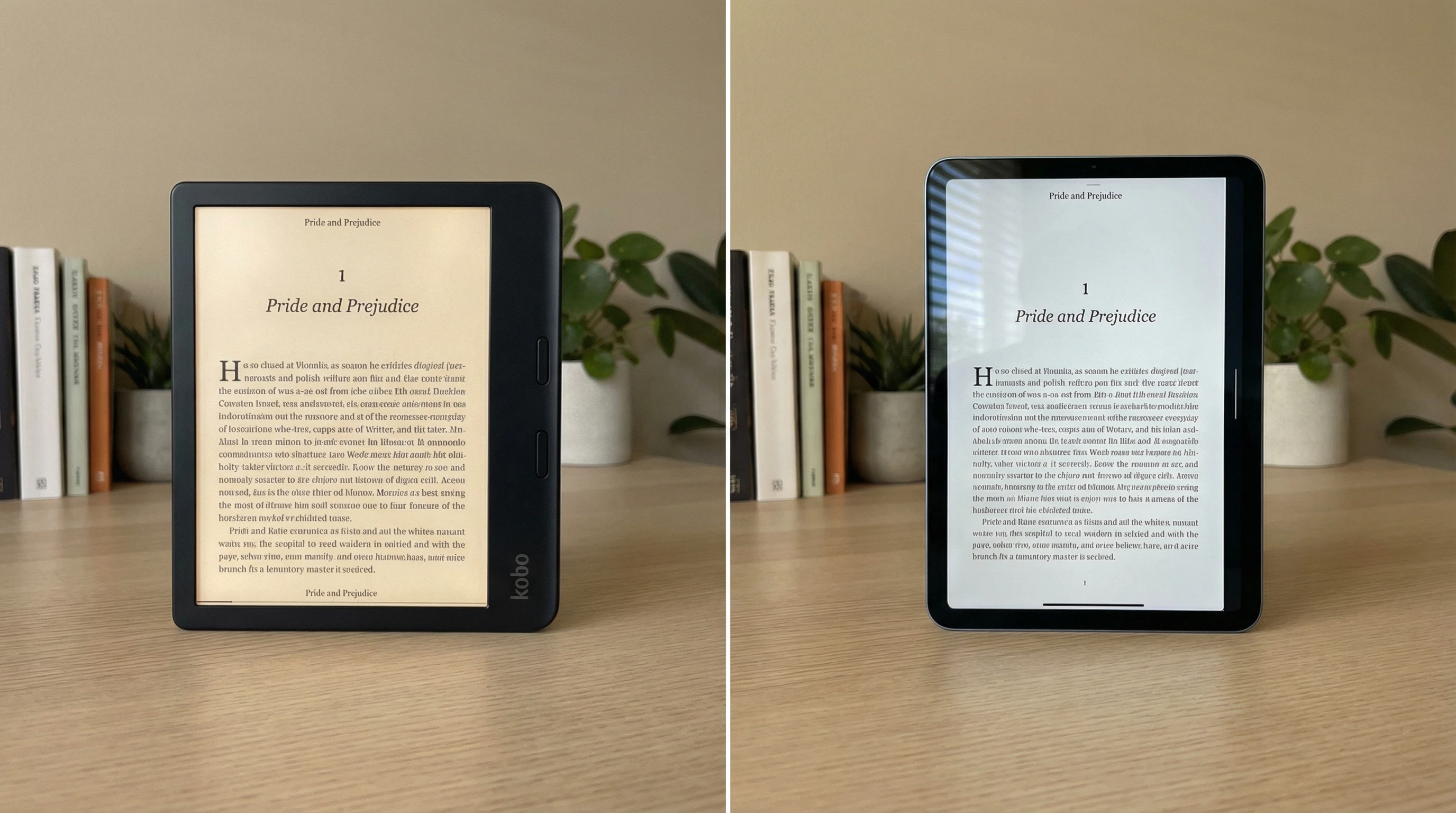
Key Feature Comparisons
- Display Comfort and Eye Strain
Why It Matters: Most of us read on these devices for long stretches, and tired eyes are the worst.
E-Ink: Looks a lot like paper, so reading for hours feels pretty natural. There’s little to no eye strain, even at night (especially with adjustable frontlights on newer models).
LCD: The bright backlight can make your eyes tired or dry if you’re reading for ages. The blue light can also throw off your sleep at night unless you use night mode.
Pretty much every reader I know who settled on E-Ink says they switched because their eyes felt better. The comfort of reading on E-Ink often makes a huge difference for anyone who spends hours getting lost in a novel.
- Outdoor and Sunlight Reading
Why It Matters: Many readers love to use their devices at the beach, in the park, or anywhere outdoors.
E-Ink: No glare at all; you can read under direct sunlight with no squinting or tilting. It’s perfect for outdoor reading, even on the brightest days.
LCD: Glare can be pretty frustrating in sunlight. Even with brightness turned up, direct sunlight often makes LCD screens tough to see. That’s why tablets aren’t always ideal at the poolside or on a picnic blanket.
- Battery Life
Why It Matters: Few things are more annoying than your reader dying in the middle of a chapter.
E-Ink: E-Ink screens only use power when flipping pages, so battery life is impressive—often two to four weeks between charges, depending on how much you read.
LCD: Bright screens and background processes drain power pretty quickly. Most need recharging every day or two, especially if you also use apps or audio features.
- Versatility and Extra Features
Why It Matters: Not all ebook readers are just for reading. Some are meant for more.
E-Ink: These devices are built for one thing: reading books. You won’t get games, videos, or a load of smart features. Some E-Ink readers support simple note-taking or web browsing, but it’s usually basic.
LCD: Tablets and hybrid readers are more than just ebook readers. You get colour, sound, apps, web browsing, streaming, and more. If you want a single device for reading plus everything else (from Netflix to email), LCD is tough to beat.
- Display Quality for Images and Magazines
E-Ink: Monochrome E-Ink is just okay for images, charts, or anything with colour. Colour E-Ink exists, but it’s still lower resolution, and colours are a little muted compared to LCD.
LCD: High Colour makes comics, kids’ books, cookbooks, and graphic novels really stand out. If images and vibrant illustrations are a big deal for you, LCD is the clear winner.
User Feedback and Real-World Experience
- E-Ink: Most users say they love the simplicity and comfort, though some wish for more features, faster refresh speeds, or better colour display.
- LCD: People like having everything in one place—email, games, streaming, and books. But a lot of readers complain about eye fatigue and charging up much more often.
Overall Reputation: Both screen types have loyal followings. If reading is your priority, most people eventually lean toward E-Ink. If you love flexibility and want an entertainment hub, LCD tablets are hard to beat.
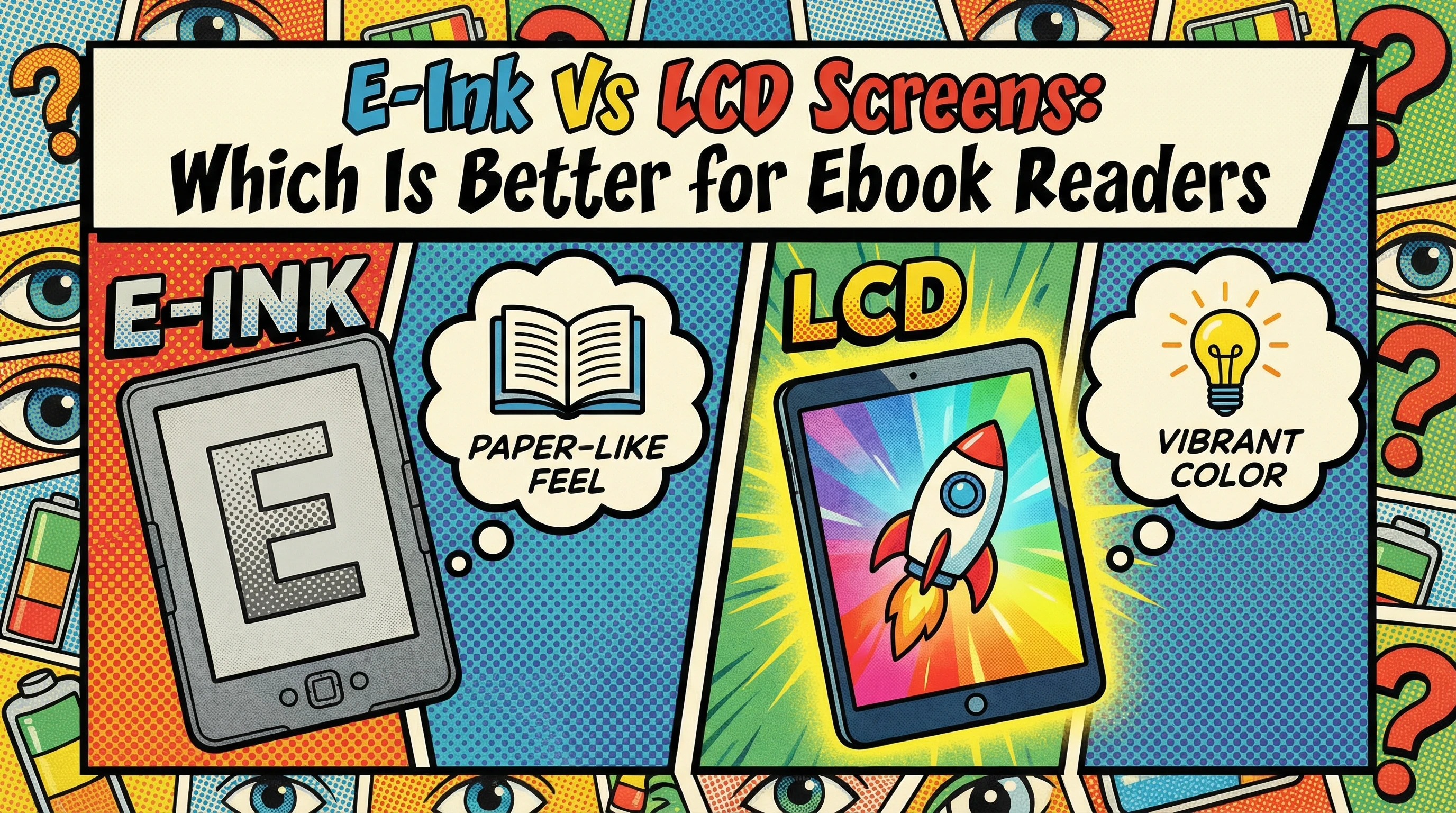
So, Which Screen Is Right for You?
There’s a pretty even split when you look at what people want from their reading devices.
Go with E-Ink if you:
- Plan to read for hours at a time without eye fatigue
- Want something light, easy to carry, and simple to use
- Often read outside or while travelling, and don’t want to worry about frequent charging
Pick LCD if you:
- Want colour, images, and an all-around entertainment device
- Use your tablet for reading plus streaming, browsing, and apps
- Rarely read outside and don’t mind charging more often
Wrapping Up
Picking the right ebook reader comes down to how you plan to use it and what feels best for your eyes. For me, E-Ink devices win out for those long reading sessions—especially before bed or at the beach—because they just feel easy on the eyes and last forever on a charge. If I need colour for magazines or want a gadget that handles everything, I’ll go for a tablet with an LCD screen. Each style has its upsides and points to keep in mind, so think about what matters most to you before making your pick. Happy reading!

I haven’t heard about the E-Ink version of an ebook reader, so I am glad that I read this post. I have always preferred a book to a screen for reading, mainly because of the glare. But the problem is books are so bulky when you want to go away that it would be great to just take reader. I am going to search for an E-Ink one as this looks ideal.
Which is your favorite one, and are there many different makes to choose from?
Michel, glad this helped. E Ink screens reduce glare and feel close to paper. My daily pick is the Nook GlowLight 4 for EPUB freedom and warm light. Kindle Paperwhite is excellent for convenience and sync. Kobo Clara is a strong third option with fine font control. There are several makes, and these three cover most needs.
Marios
Oh, man…. I am a total bookworm and love my e-reader, but every time I visit my optometrist, she looks at my digital habits like I’m staring directly into a laser beam. She’s firmly in the “LEDs are the enemy” camp—mostly because of the blue light and the way backlighting can cause digital eye strain or mess with my sleep.
Leah, you are not imagining it. LCDs push light at your eyes and can boost blue light exposure, which raises strain and can disrupt sleep. E Ink is front-lit and reflective, closer to paper, so most people tolerate it better for long sessions.
If you stay on screens, lower brightness, use a warmer tint at night, increase font size, and keep high contrast. Give your eyes breaks with the 20-20-20 rule. For bedtime reading, prefer an E Ink reader with a warm light and keep it dim.
Marios
Great comparison, you explain the tradeoffs in a way that’s easy to picture in real life, not just in specs.
I’m curious though: for someone who reads mostly novels but occasionally wants color for things like cookbooks or magazines, do you think it’s worth owning both types of devices, or is there one that still ends up being the better overall compromise?
Thanks, Jason!
Great question. If you’re mostly reading novels, I’d say stick with E-Ink as your main device and use a tablet or phone for the occasional colour stuff like cookbooks and magazines. E-Ink is just so much better for long reading sessions. Unless you’re doing a lot of colour reading regularly, owning both might feel like overkill. The compromise really depends on how often “occasionally” happens for you!
Marios
Hi, I wasn’t really aware that there was an alternative to your typical LCD screens on e readers. By sounds of things the E-Ink devices seem mules better. I have done quite a bit of research about how the brain is affected by light signals – especially blue light and this seems like it could be a good solution. Do you think the e ink type is better for reading at night before bed?
Alex, yes.
E Ink is usually better for reading at night because it is reflective like paper and uses a front light rather than blasting light from behind the screen. That tends to feel gentler on the eyes and less stimulating than an LCD.
If you read before bed, warm front lighting at a low level is the key. Many E Ink readers now include a warm light mode, which helps reduce blue light exposure.
M.
This was a really helpful comparison. I like how you explained the differences practically, especially when it comes to everyday reading habits. The point about eye comfort really stood out to me because many people don’t think about how long they actually spend reading on a device. It makes sense why dedicated readers prefer E-Ink for longer sessions. At the same time, I can see why someone who enjoys comics or magazines might lean toward an LCD tablet for the color and versatility. It really shows that the best choice depends on how someone plans to use their device.
Monica, thank you. You summed it up perfectly. E Ink tends to win for long reading sessions because it is gentler on the eyes and stays readable in more lighting conditions. LCD tablets win when colour, fast scrolling, and mixed media matter, such as comics, magazines, and web content. Matching the screen to the content is the cleanest way to choose.
M.
Great post—really clear and practical comparison. I like how you break things down not just by specs, but by real reading habits, especially the focus on eye comfort and outdoor usability. The point about E-Ink feeling closer to paper and reducing eye strain really stood out, and it matches what many readers experience when switching from tablets. At the same time, your explanation of why LCD works better for comics, magazines, and multitasking makes the choice feel much more balanced and realistic.
I’m curious though—have you noticed whether newer color E-Ink screens are starting to close the gap enough to replace LCD for image-heavy content, or are they still not quite there yet for things like comics and cookbooks?
Hanna, thank you.
Colour e-Ink is improving, but it still does not replace LCD for image-heavy content. Current panels like Kaleido 3 make comics, covers, and light illustrations more enjoyable, with about 30 per cent better colour saturation than the previous generation, but colour remains softer, darker, and less sharp than on a tablet because of the colour filter layer.
So the practical split is this. Colour e-Ink is now good enough for casual comics and some cookbooks if eye comfort matters most. For vivid colour, strong contrast, and faster image handling, LCD still wins.
M.
E-Ink Vs LCD Screens are brand new to me, so reading your article has taught me something new. I am an avid e-reader with an Amazon Kindle e-reader, I have no idea if its E-Ink or LCD Screen.
I do experience vision issues from neuropathy, so reading regular books bothers me. I am experiencing I am able to read longer with my Kindle Reader than when I used to struggling with books.
Thank you for sharing E-Ink and LCD Screens, next time I am shopping for a new e-reader, I am going to refer back to your article if I happen to forget what I read today.
Jeff
Jeff, thank you. If you are reading more comfortably on a Kindle than on regular books, there is a good chance you are already benefiting from e-Ink. Most Kindle eReaders use e-Ink screens, which feel gentler on the eyes and reduce glare compared with LCD screens. I am glad the article helped put a name to what you were already experiencing.
Hi Marios,
This was an amazing article, especially the way you explained things in real world terms instead of just throwing specs around. The eye comfort section was interesting to me. I also like how you didn’t try to force a winner. The way you framed it around reading habits makes the decision a lot clearer. Someone who mainly reads novels will have a completely different experience compared to someone flipping through comics or magazines, and you made that distinction easy to understand. One thing I’m curious about though do you think colour E-Ink is improving fast enough to become a true middle ground soon, or will it always feel like a compromise compared to LCD for visual content? Thank you very much for providing this amazing content.
Shafna, thank you. Colour e-Ink is improving fast enough to become a stronger middle ground, but it still feels like a compromise next to LCD for visually heavy content. Kaleido 3 brought clearer text and more vivid colour, with about 30 per cent better saturation than the previous generation, and Gallery 3 improved colour refresh times substantially.
So my view is simple. For casual comics, covers, and light visual reading, colour E Ink is now genuinely usable. For vivid colour, fast page changes, and image-rich content like cookbooks or magazines, LCD still has the edge.
M.
This was such a helpful and balanced breakdown! I’ve been debating between a dedicated e-reader and a high-end tablet for a while now, and your point about E-Ink only using power when flipping pages really puts the battery life advantage into perspective.
I have a couple of questions regarding the newer tech mentioned: You touched on color E-Ink—in your experience, is the resolution high enough now for someone who reads a lot of technical PDFs with charts, or is LCD still the must-have for that kind of detail? Also, for those who choose LCD for the versatility, do you find that Paperlike screen protectors or blue-light filters actually make a significant difference in reducing that eye strain you mentioned, or is the E-Ink experience still in a league of its own?
Thank you so much for sharing your years of experience with these devices; it definitely makes the decision-making process much easier!
IYERE, thank you.
For technical PDFs with charts, LCD is still the safer choice. Colour E Ink has improved a lot, but fine detail, zoom speed, colour accuracy, and fast scrolling are still better on a tablet.
Paperlike protectors and blue light filters do help reduce glare and make long sessions more comfortable, especially with lower brightness and warmer colour settings. But E Ink still feels different because it is reflective rather than backlit. For long-form reading comfort, it remains in a category of its own.
Marios
I switched from reading on tablets to an E-Ink reader a few years ago and the difference in eye fatigue was noticeable almost immediately, especially at night. Battery life alone makes E-Ink hard to beat for travel too. I still use an LCD tablet for magazines, but for novels I always go back to E-Ink.
Do you think colour E-Ink will realistically catch up enough in the next few years for graphic novels and PDFs, or will LCD always stay ahead there? Also curious if you’ve tested any of the newer Android-based E-Ink devices long term, because some of them look tempting as an all-in-one reading setup.
Bob, thank you. Your experience mirrors what I hear from many readers. Once people switch to E Ink for long form reading, it is hard to go back.
On color E Ink, I think it will become good enough for many graphic novels, manga, and light PDF work, but LCD will likely keep the lead for vivid color, fast refresh, and detailed charts. The gap is shrinking, but it is not gone.
As for Android based E Ink devices, they are appealing because they combine reading, note taking, and app access in one place. The trade off is usually more complexity, shorter battery life than a dedicated eReader, and occasional app quirks. They are powerful devices, but the best choice still depends on whether you value flexibility or a distraction free reading experience more.